Text (multi-line)
Add unrestricted multi-paragraph text with rich formatting, links, lists, inline code, media, and files to records.
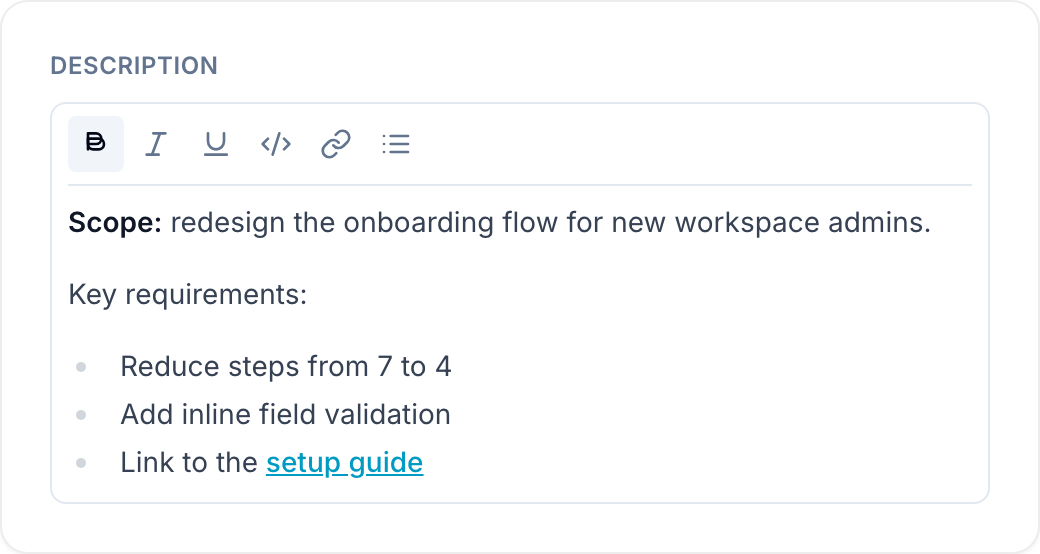
The Text (multi-line) field stores long, multi-paragraph text on a record. The Description default field is a Text (multi-line) field. Its editor supports:
- Unlimited text length with no character restriction.
- Bold, italics, underline, strikethrough, inline code, headings, and hyperlinks through a bubble menu.
- Bulleted and numbered lists.
- Images, video, audio, and file attachments through the toolbar, drag and drop, or paste.
- Line breaks and multiple paragraphs.
Use long text fields
Use a Text (multi-line) field for:
Notes that need screenshots, recordings, or reference files inline.
Descriptions, including product specifications, record details, and scopes.
Notes and instructions.
Messages, updates, and explanations.
Articles, blog posts, and guides.
Summaries and reports.
Email content.
Feedback and reviews.